
Your PlayStation 5 delivers impressive graphics and smooth gameplay. However, dust and dirt can negatively affect your console’s performance. A dirty PS5 can overheat, become louder, or in the worst case, stop working altogether, something you’ll definitely want to avoid.
Over time, dust particles settle in the ventilation slots and inside the console. This restricts airflow, forcing the fan to work harder. The result? A louder PS5 and potential performance loss. Regular cleaning not only ensures optimal cooling but also extends the lifespan of your device.
In this article, you’ll learn how often you should clean your PS5 and which cleaning tools are best suited for the job. You’ll also find an easy step-by-step guide to keep your console in top shape. Whether you only want to clean the exterior or perform a more thorough internal cleaning, the right methods will keep your PS5 dust-free and ready for your next gaming adventure.
Why You Should Clean Your PS5 Regularly
- A clean PS5 doesn’t just look better, it performs better too. Dust, dirt, and bacteria can accumulate over time and cause various issues. Before showing you how to clean your PS5, here are the three most important reasons why regular cleaning is essential.
Prevent Overheating
- Your PS5 generates a lot of heat while gaming. Fans and ventilation slots ensure constant airflow to prevent overheating. But when dust builds up, airflow is blocked. This means the fan has to work harder, the console becomes louder, and in some cases, it may even shut down automatically to prevent damage. Regular cleaning keeps ventilation clear and ensures your PS5 runs quietly and efficiently.
Reduce Performance Issues
- Lagging games? Sudden crashes? Sometimes the problem isn’t software, it’s hardware. If your PS5 overheats, it may throttle performance to protect internal components. As a result, games no longer run smoothly, a gamer’s nightmare. A clean console stays cool and can deliver its full performance.
Improve Hygiene
- Dust isn’t the only issue. Your PS5 controllers are handled daily, often with unwashed hands. Over time, bacteria and germs accumulate on surfaces you constantly touch. Regular cleaning with the right products improves hygiene and protects you from invisible germs.
How Often Should You Clean Your PS5?
Cleaning your PS5 isn’t a one-time task, it should be done regularly to ensure optimal performance. But how often is enough? That depends on how frequently you use your console and how dusty your environment is.
Weekly Cleaning: Surfaces & Ventilation Slots
Once a week, you should remove dust from the exterior surfaces and ventilation slots of your PS5. Use a soft microfiber cloth or compressed air to prevent dust buildup. This keeps airflow optimal and ensures the console always looks well maintained. This kind of routine care is just as important as regularly cleaning frequently used devices like AirPods or keyboards, which also collect dirt and bacteria through constant use.
Detailed Cleaning: Fan & Interior (Every 2–3 Months)
Every two to three months, it’s time for a more thorough cleaning. Remove the side panels and clean the fan from the inside using compressed air. Dust buildup inside the console can significantly impair cooling over time. Regular maintenance helps prevent overheating and extends the lifespan of your PS5.
Deep Cleaning: When Is It Necessary?
Sometimes standard cleaning isn’t enough. If your PS5 suddenly becomes louder, the fan works unusually hard, or the console feels noticeably hot, it’s time for a deep clean. In this case, the fan and heat sinks should be thoroughly cleared of dust.
If cleaning your PS5 feels too complicated or you’re unsure how to proceed, you can also rely on professional help. Specialists, such as those available through Helpling, offer cleaning services as part of household cleaning and can clean your PS5 thoroughly and professionally. This keeps your console in perfect condition without you having to worry about the details.
The Best Cleaning Tools for Your PS5
- Choosing the right cleaning tools is crucial for safely and effectively removing dust and dirt from your PS5. Not every cleaning product is suitable, harsh chemicals or rough cloths can damage sensitive hardware. Here are the best tools for gentle and effective cleaning:
Compressed Air: Blow Away Dust Easily
- Dust accumulates especially in ventilation slots and on the fan. Compressed air helps remove it effortlessly. Hold the can upright and spray in short bursts to avoid excessive cooling. This keeps your PS5’s airflow intact.
Microfiber Cloth: Gentle Cleaning Without Scratches
- Fingerprints and dust on the glossy PS5 surface? No problem. A soft microfiber cloth removes dirt without leaving scratches. Tip: Use the cloth for your TV or monitor screen as well to keep everything streak-free.
Isopropyl Alcohol (At Least 70%): For Hygienic Cleanliness
- Isopropyl alcohol (also called isopropanol) is ideal for disinfecting controllers and surfaces. Lightly moisten a microfiber cloth or cotton swab and clean buttons, joysticks, and the casing. This removes grease, dirt, and bacteria.
Cotton Swabs & Soft Brushes: For Hard-to-Reach Areas
- Ports, buttons, and fan blades are best cleaned with cotton swabs or a soft brush. These tools remove dust from tight spaces without damaging delicate components.
Cleaning the PS5: Step-by-Step Guide
As you can see, thorough cleaning improves performance, reduces overheating, and extends the lifespan of your PS5. Follow this simple step-by-step guide to clean your console gently and effectively.
1. Preparation: Get Everything Ready
Before you start, fully power off the PS5 and unplug it. Remove all connected cables and place the console on a clean, well-lit surface. A soft base, such as a towel, protects the casing from scratches.
2. Exterior Cleaning: Remove Dust and Fingerprints
Use a dry microfiber cloth to gently wipe the console’s surface. Pay special attention to the ventilation slots, compressed air works well for blowing dust out of narrow openings. Hold the can upright and use short bursts. Finish by wiping the surface with a slightly damp cloth to remove fingerprints.
3. Fan Cleaning: For Better Cooling
If possible, carefully remove the PS5’s side panels to access the fan. Use compressed air to blow out dust, making sure to hold the fan blades in place to prevent damage. Stubborn dust can be removed with a soft brush or cotton swab. Reattach the side panels securely afterward.
4. Clean Controllers and Accessories: Don’t Forget Hygiene
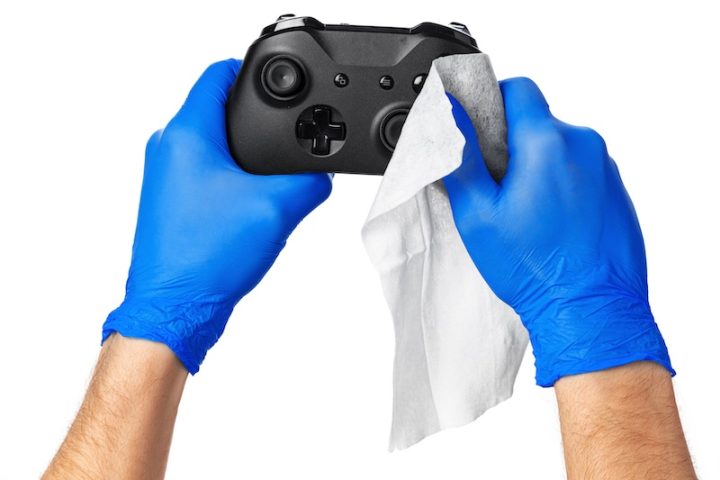
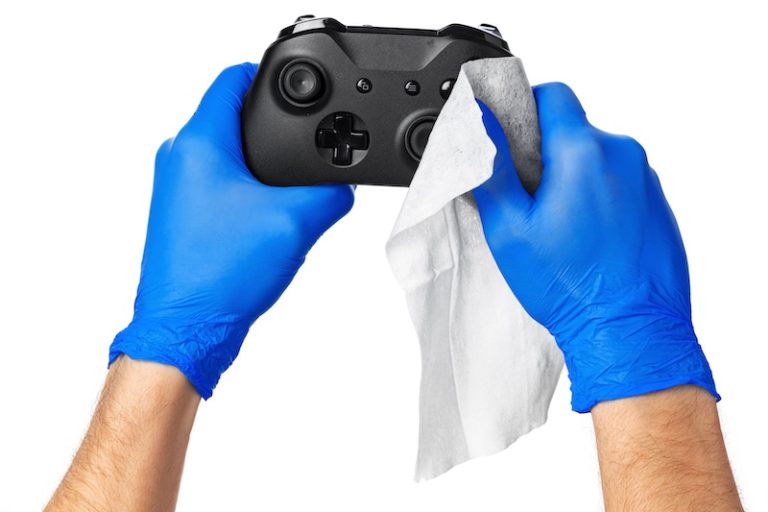
Controllers collect fingerprints and germs from frequent handling. Clean buttons and joysticks with a cotton swab lightly moistened with isopropyl alcohol (at least 70%). Wipe the grips and casing with a microfiber cloth and mild disinfectant. Don’t forget accessories like charging cables and headsets; they also accumulate dust and bacteria.
5. Reassembly and Final Check: Ready to Use Again
Reassemble all removed parts and reconnect the PS5. Power it on and check that everything works properly. Your console is now clean, well ventilated, and ready for hours of gaming fun!
Tips for Safe and Dust-Free PS5 Cleaning

Now that you know how to clean your PS5 and what to watch out for, here are a few final tips:
Choose the Right Location
- Place the PS5 in a well-ventilated area to ensure proper airflow.
- Avoid enclosed cabinets or shelves where heat can build up.
- Do not place the console on carpets, which attract dust and can block ventilation slots.
Prevent Dust Buildup
- Keep the room clean by vacuuming regularly and wiping surfaces.
- Avoid placing the PS5 near heaters or open windows, where dust tends to accumulate.
Avoid Common Cleaning Mistakes
- Never use water or aggressive cleaning agents; they can damage electronics.
- Use compressed air carefully and keep a safe distance to avoid damaging fan blades.
- Never clean the PS5 while it’s running; always turn it off and unplug it first.
Conclusion
Regularly cleaning your PS5 is essential for optimal performance, quiet cooling, and a long lifespan. Dust and dirt can block fans, cause overheating, and even lead to performance issues. With the right methods and cleaning tools, your PS5 will stay in top condition.
By cleaning the exterior weekly and performing a more thorough internal cleaning every two to three months, you prevent dust buildup and improve airflow. Always use suitable tools such as microfiber cloths, compressed air, and isopropyl alcohol to avoid damage.
The right placement also matters: a well-ventilated environment and a clean room help keep your PS5 dust-free for longer. Avoid common mistakes like using water or cleaning while the console is powered on.
If you’re unsure or don’t have time for thorough cleaning, you can also rely on professional help, such as a cleaning platform like Helpling. These experts know exactly how to clean your console safely and effectively. This ensures your PS5 stays in the best possible condition for a smooth, immersive, and uninterrupted gaming experience.